

Configure the Org Tree app to build and manage your organization tree effectively on monday.com.
Follow the below steps to configure the Org Tree app:
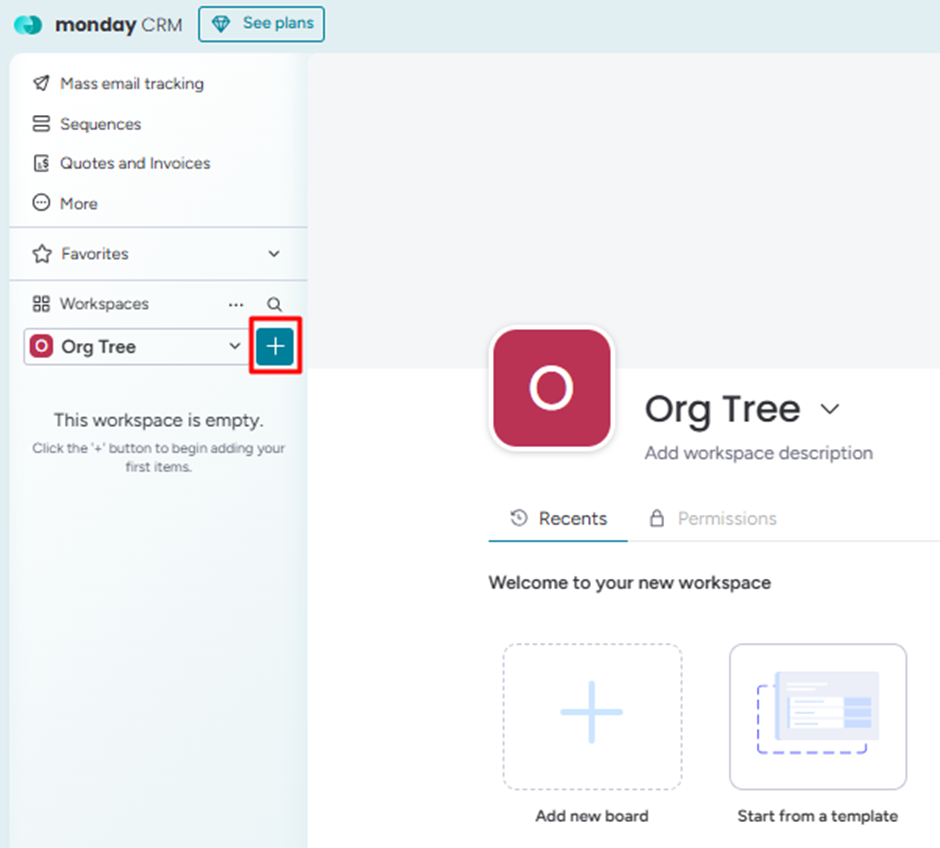
Step 1: Go to Org Tree workspace.
Step 2: Click on the '+' button
Step 3: Click on Installed apps and select the Org Tree app.
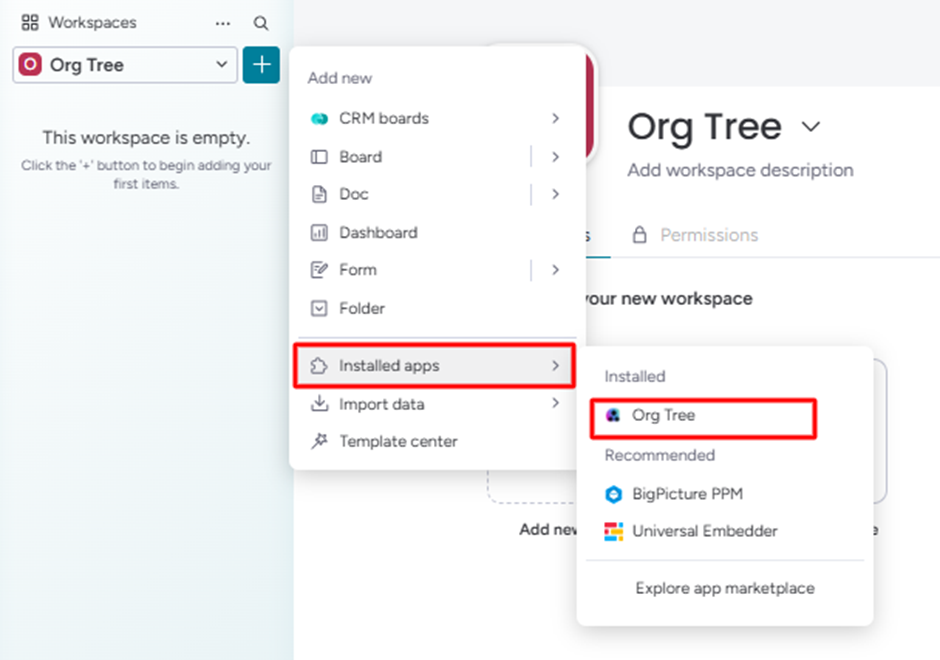
Org Tree app board will be created on the installed workspace.
Step 4: Next, click on the Authorize button.
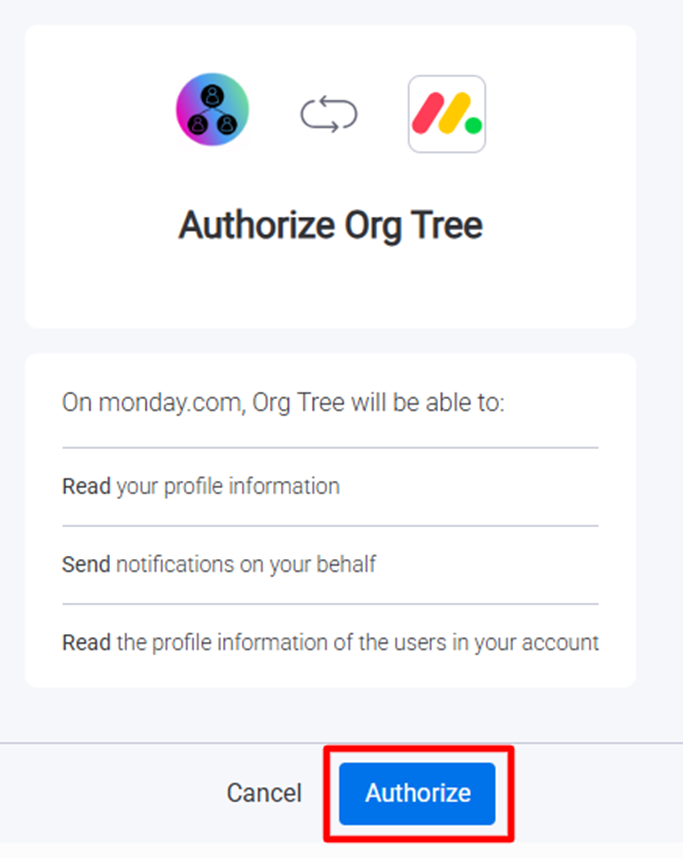
The app will be configured successfully on the selected workspace and ready to build the Organization Trees.