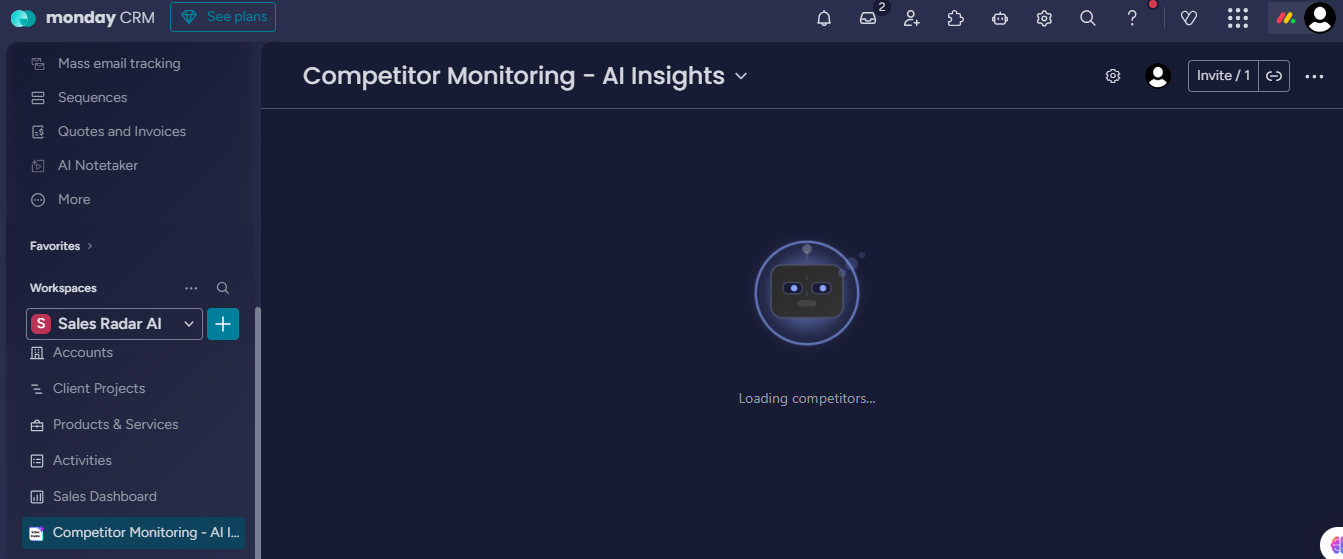
This section will guide you on how to add the AI Lead Suggestion view and the Competitor Analysis board to the monday workspace.
1. Add Lead Suggestion View
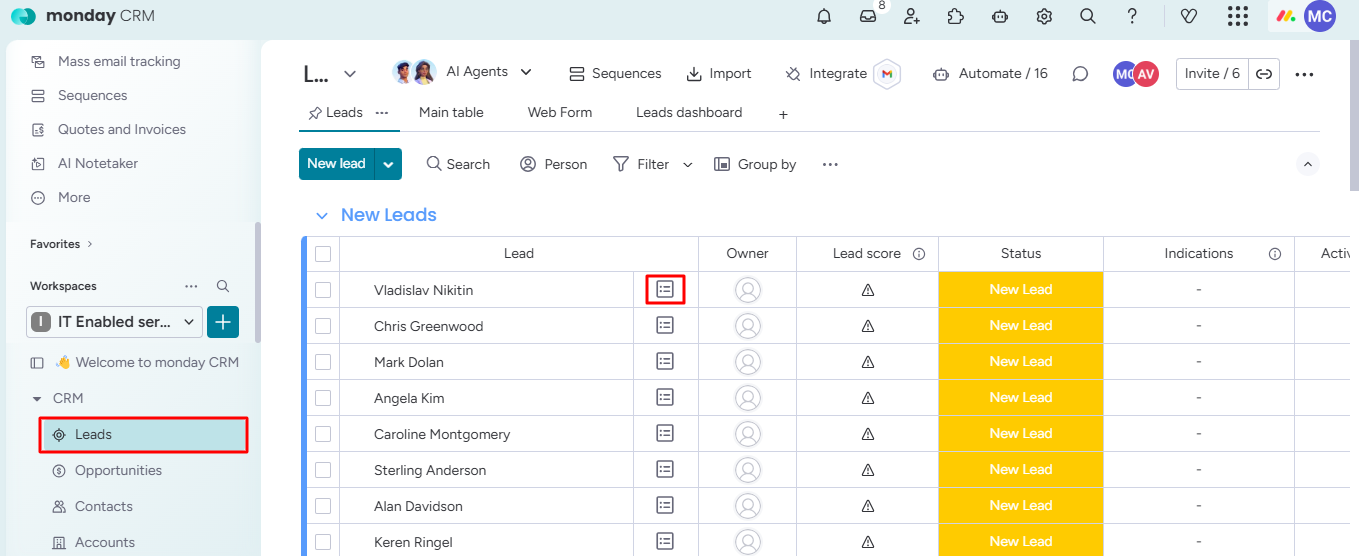
Step 1: Go to the Leads board and open any lead item view.
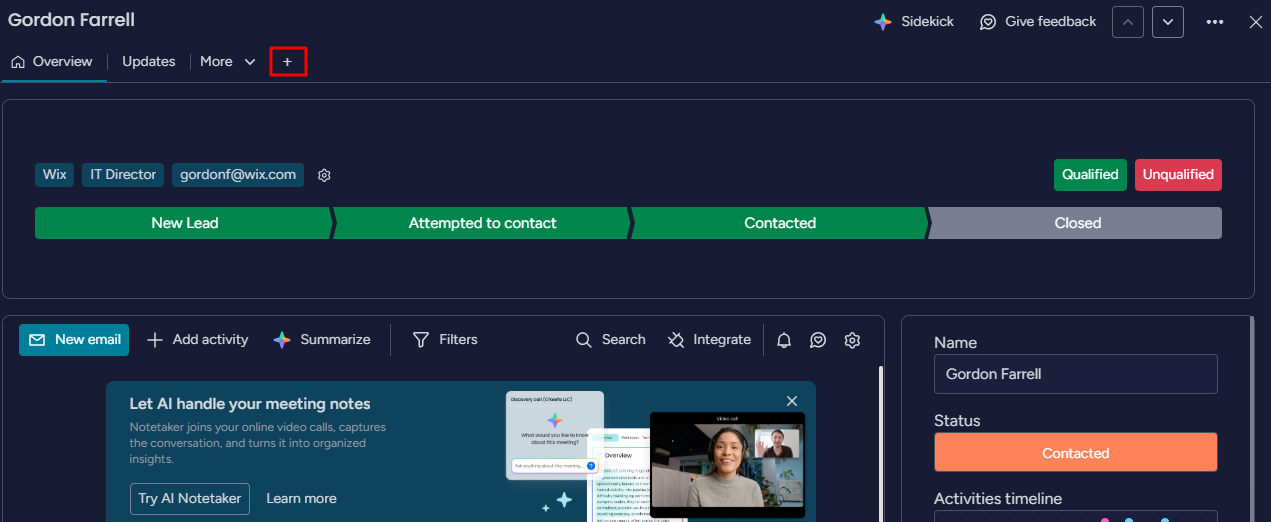
Step 2: Click the Add View button.
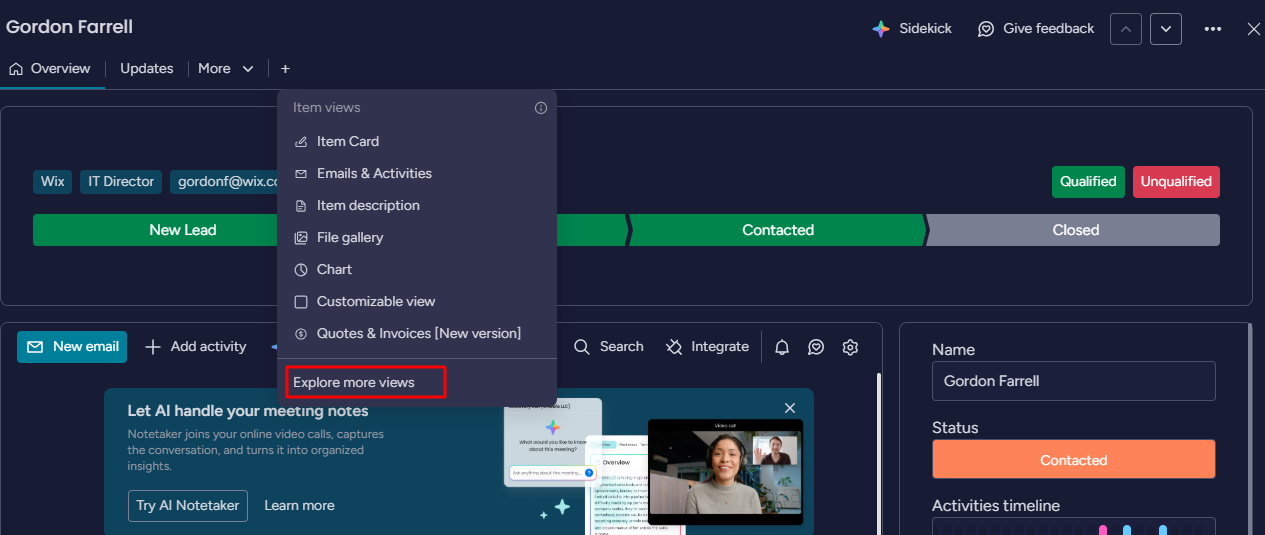
Step 3: Click on Explore more views.
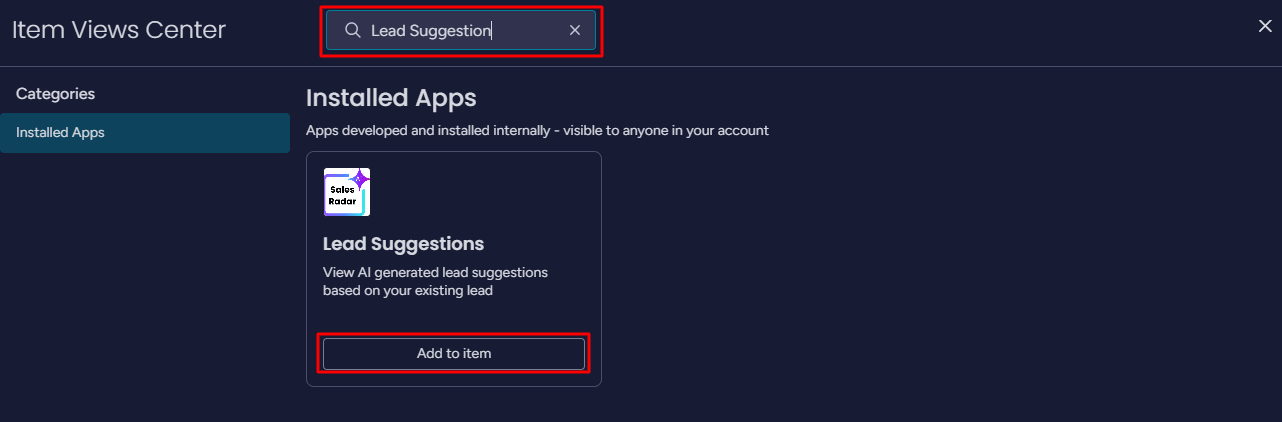
Step 4: Search for the Lead Suggestions item and click the Add to item button.
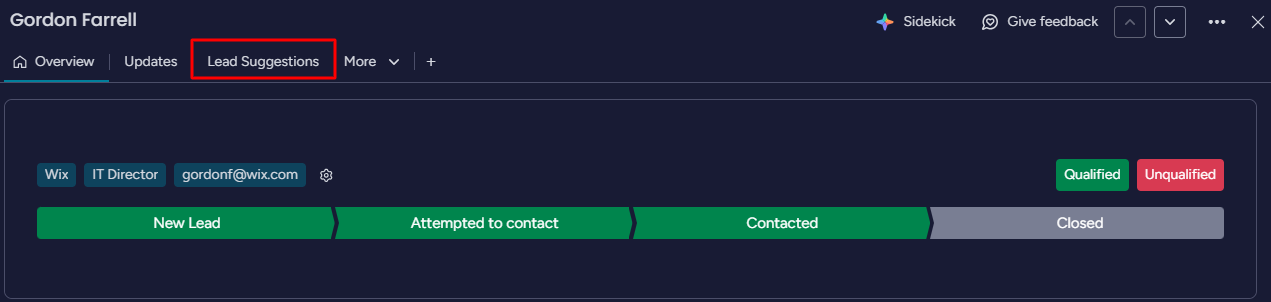
Step 5: The Lead Suggetion tab will be added to your lead items list.
2. Add Competitor Analysis Board
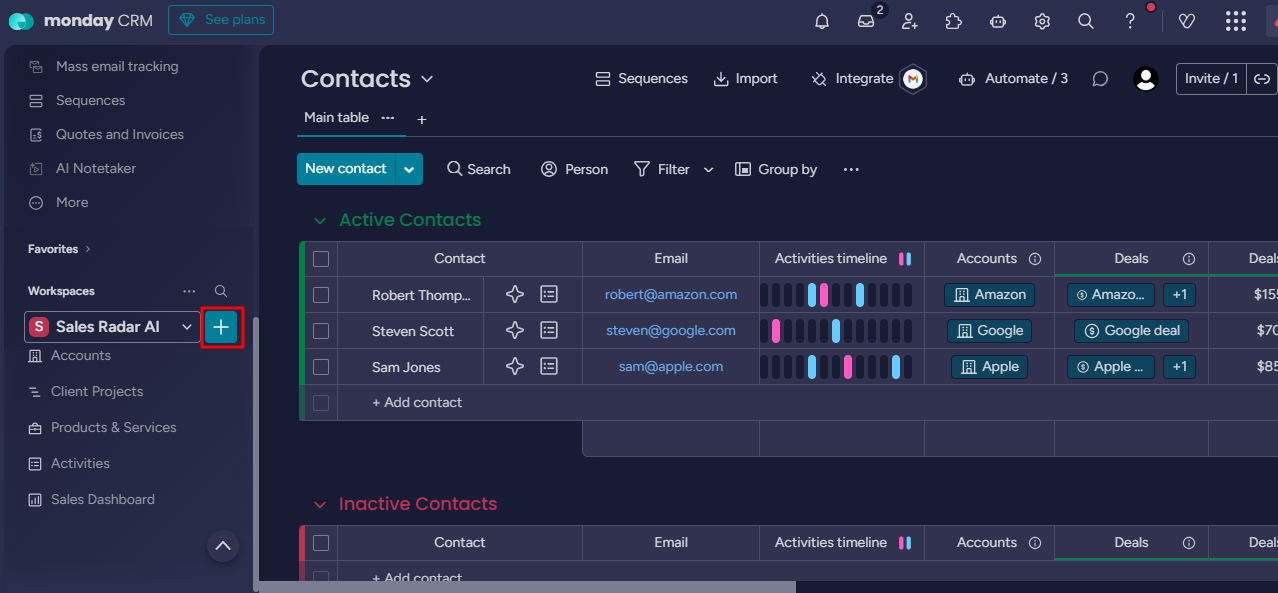
Step 1: Click on the '+' button.
Step 2: Select installed apps and click on the Competitor monitoring board.
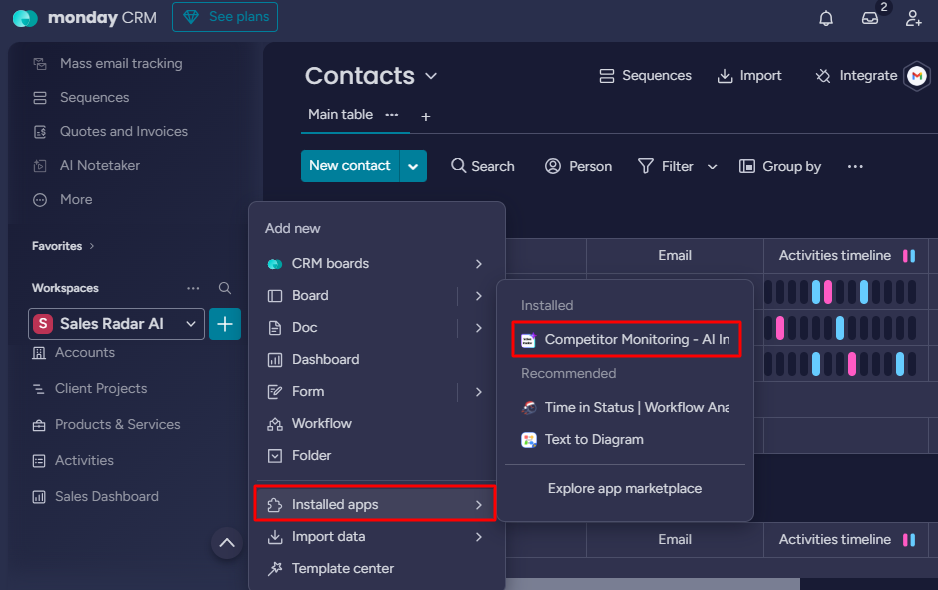
The competitor monitoring feature will be added to your workspace.