This section walks you through the step-by-step process to configure the Compliance Snapshot app within your monday.com workspace. Proper configuration ensures seamless integration with your preferred storage platform and prepares the app for scheduling automated snapshots of your board data.
Follow the below steps to configure your monday.com workspace:
Step 1: Go to Compliance Snapshot workspace -> Click on Add from template.
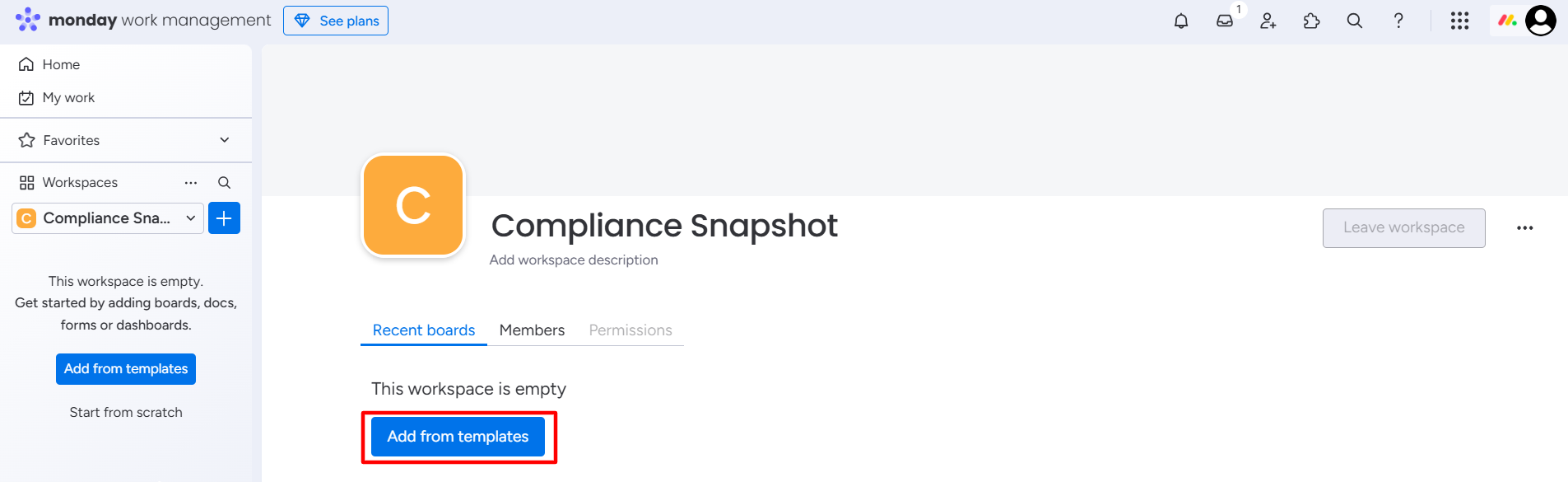
Template Center window will appear.
Step 2: Search and select the Compliance Snapshot template.
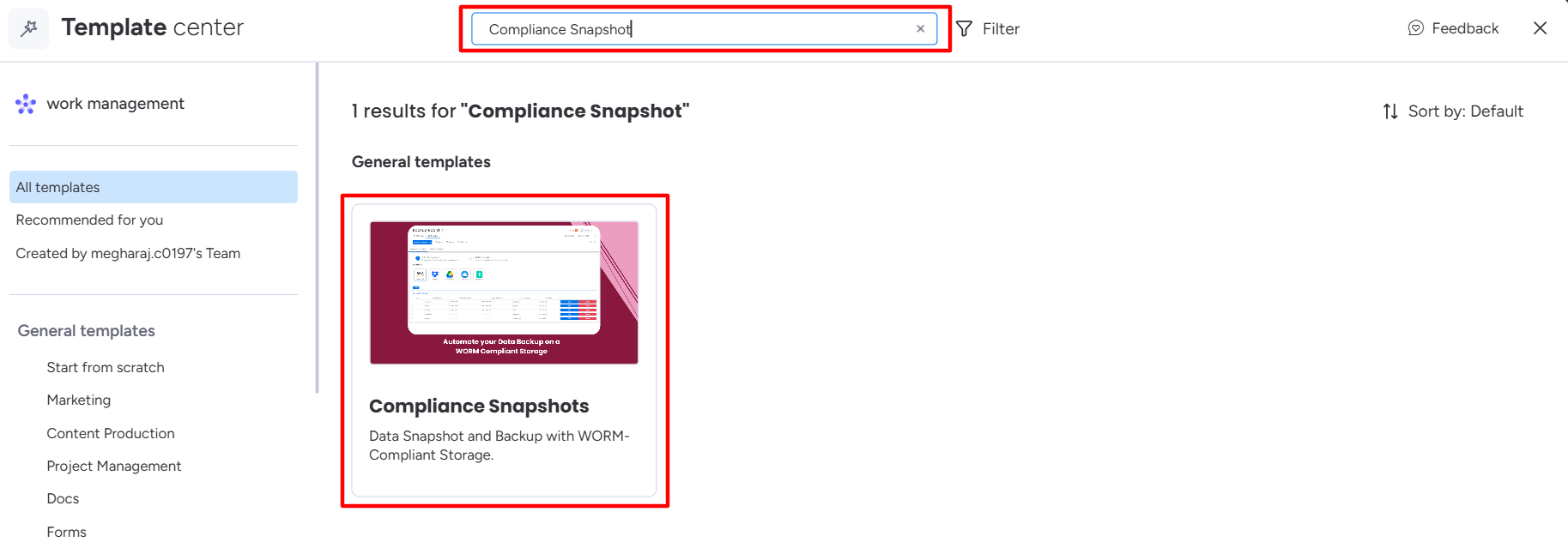
Step 3: Click on Use template.
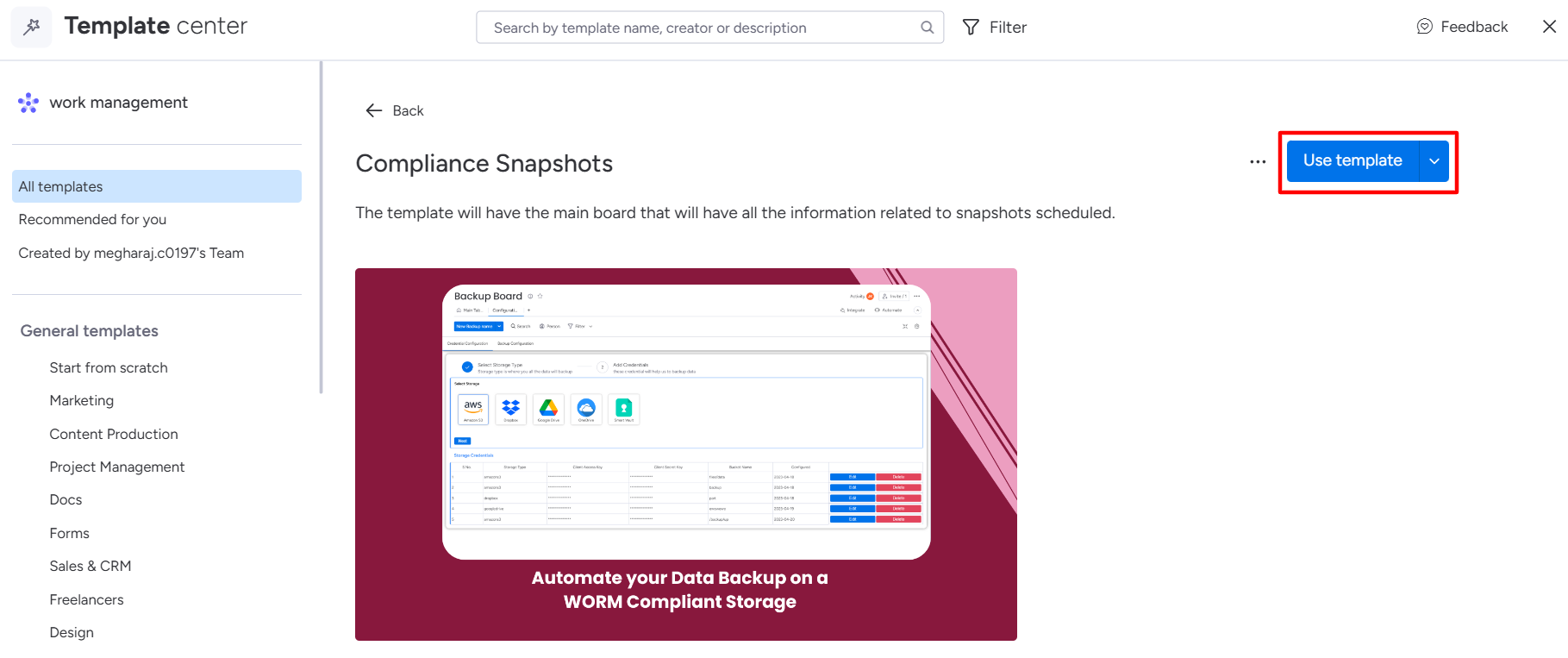
The template will be added to your monday.com workspace and redirected to the Compliance Snapshot window.
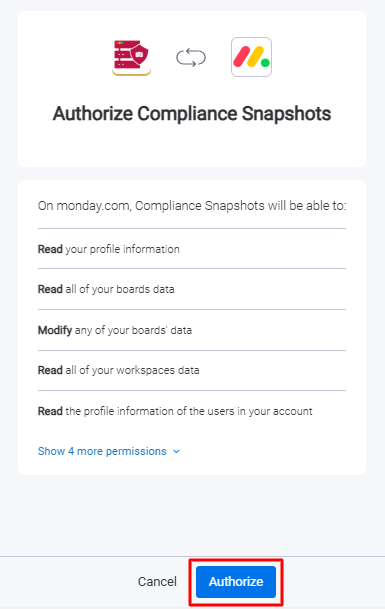
Step 4: Click Authorize to grant the necessary permissions and complete the app setup.
Once the app configuration is complete, you are all set to schedule snapshots and securely back up your monday board data.