

This section explains the troubleshooting steps for the errors that can arise while using the Compliance Snapshot app.
1. Automation Error
Review and reconfigure the app settings if any automation is not functioning properly while using the app.
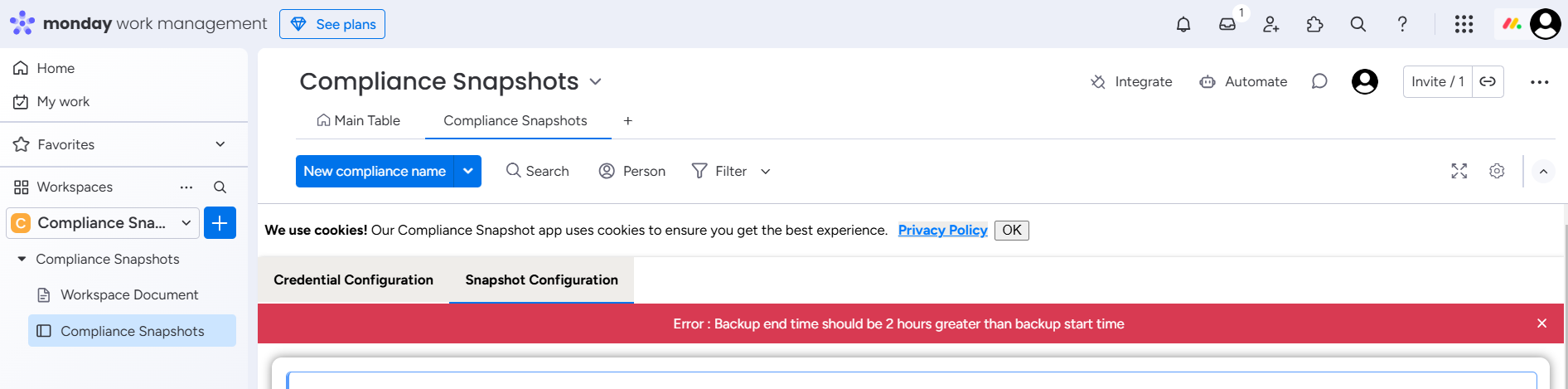
2. Snapshot Time Duration Error
This error will appear while configuring snapshots.
This error occurs when the backup end time is set too close to the backup start time while configuring the snapshots.
To resolve this issue set the Backup End Time at least 2 hours greater than the Backup Start Time.
If you need any assistance, contact us for support via email at appsupport@empyra.com or submit a support form through the monday App Support link.