

Step1: Go to Assets board. Choose the Item you want to send for repair or maintenance. Click on QR code.
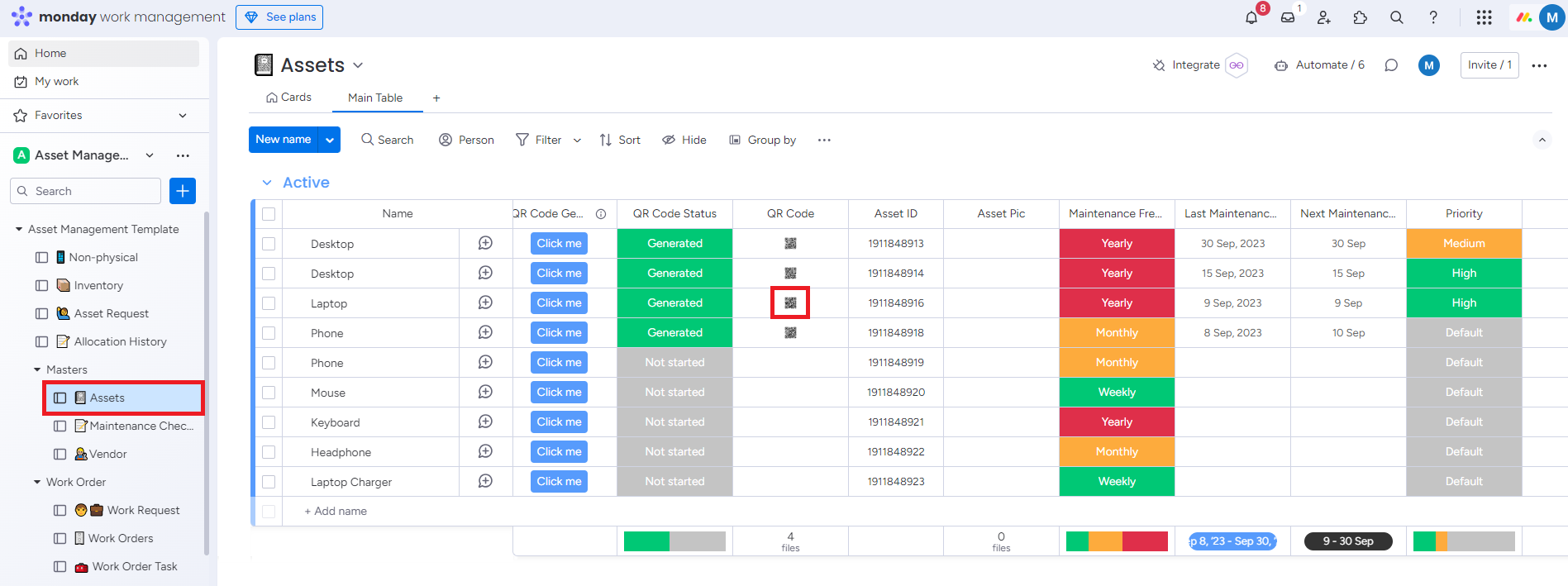
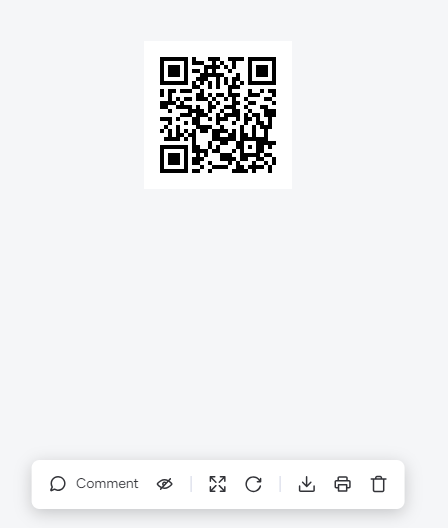
Step 2: Scan the QR code from your device.
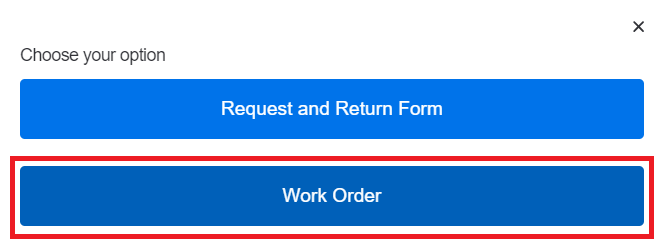
Step 3: Select Work Order form.
Step 4: Fill out the Work Order form and Click on Submit.
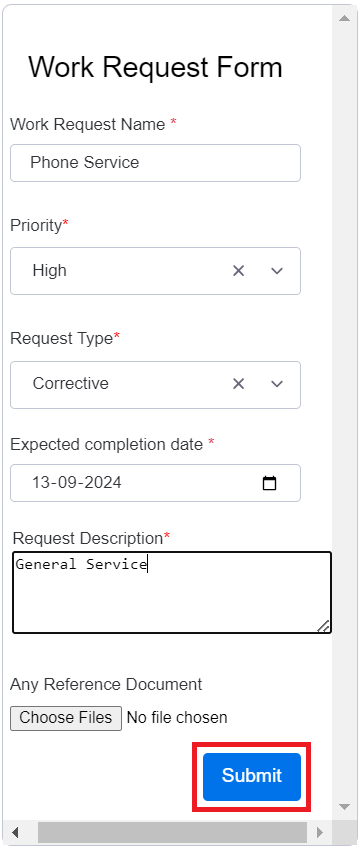
Work request will be created.
Step 5: Update Work Status from Status column based on the requirement.
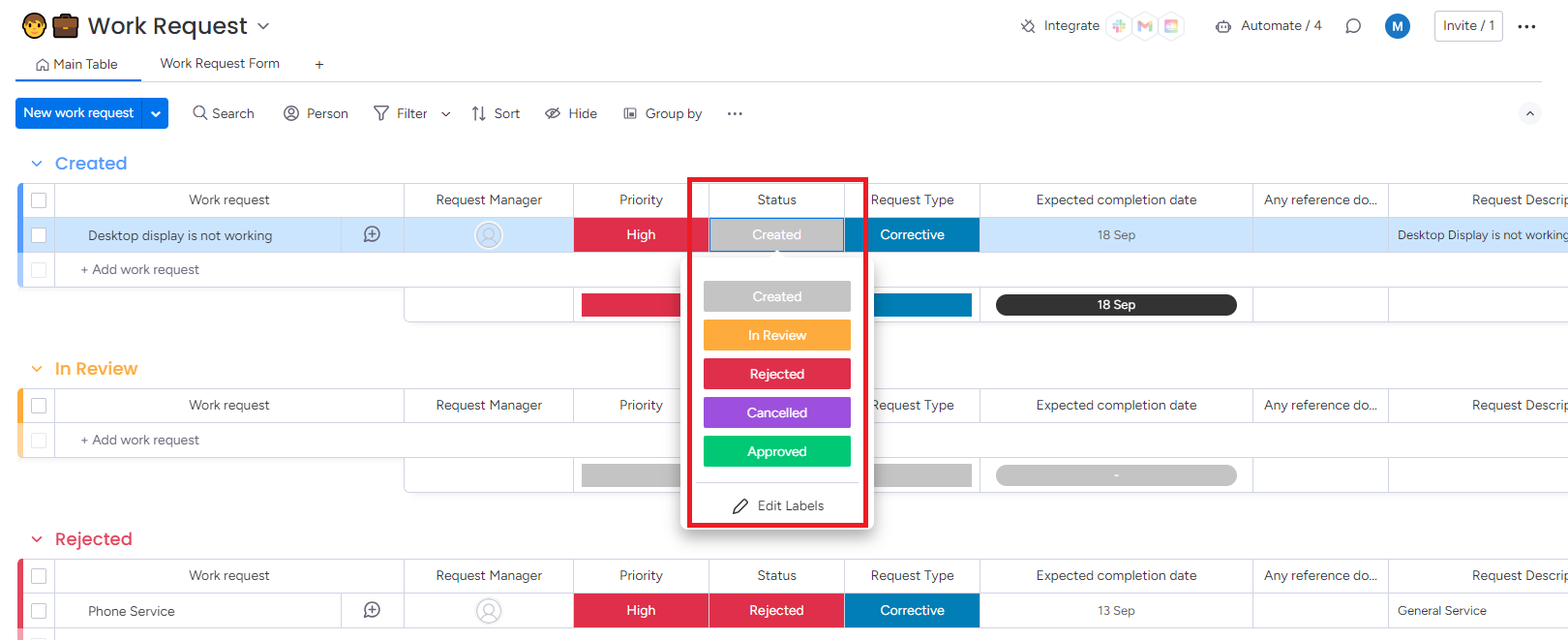
If you approve the Work Request, Work Order will be created.
Step 6: Create the Sub Items and Work order Tasks related to your Work Order.
Create Subitem
-
Click on Dropdown. Click on Add subitem.
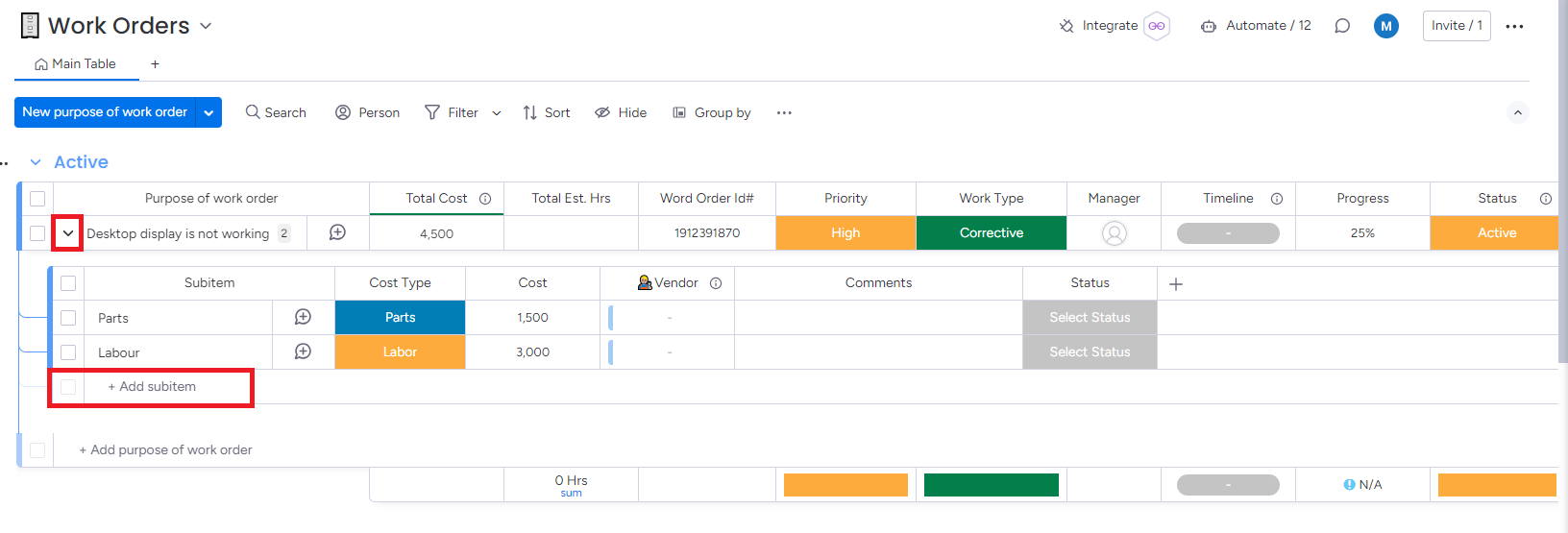
Parts and Labor subitems are available from the template.
-
Mention the details like Cost and Vendor.
-
Update the Status column to according to the job status.
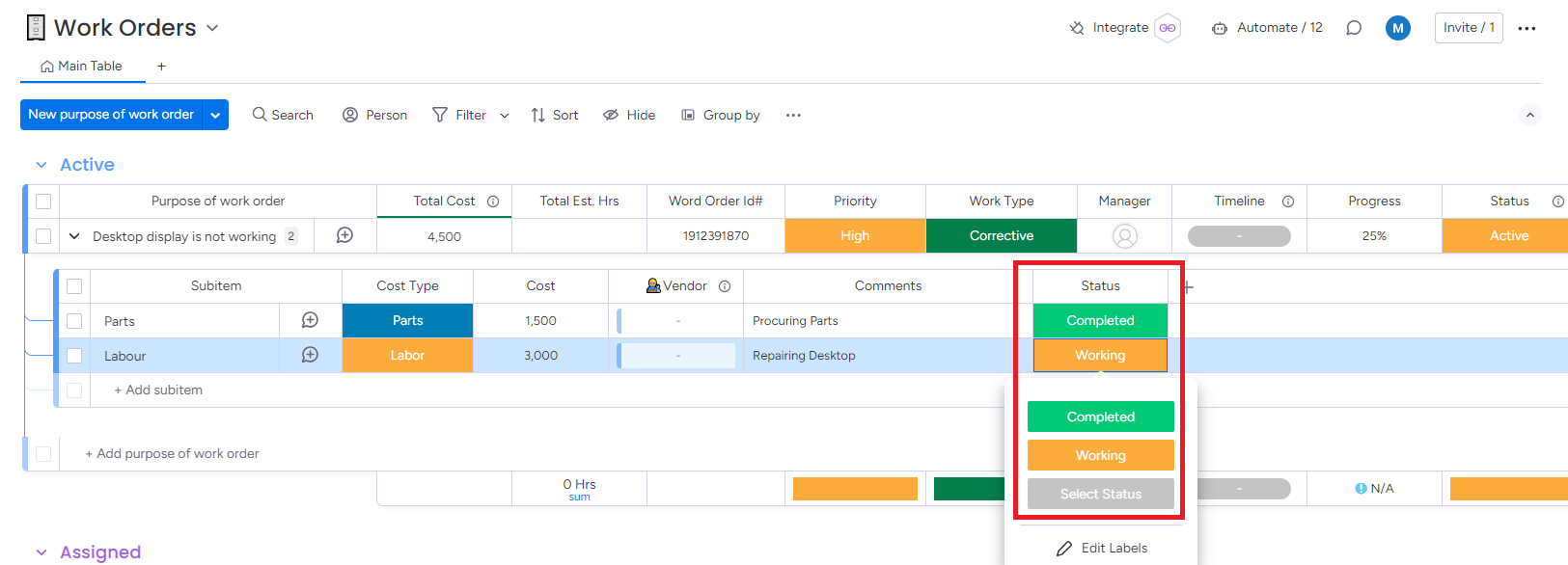
Updated subitems status as completed to complete the Work Order.
Create Work Order Task
-
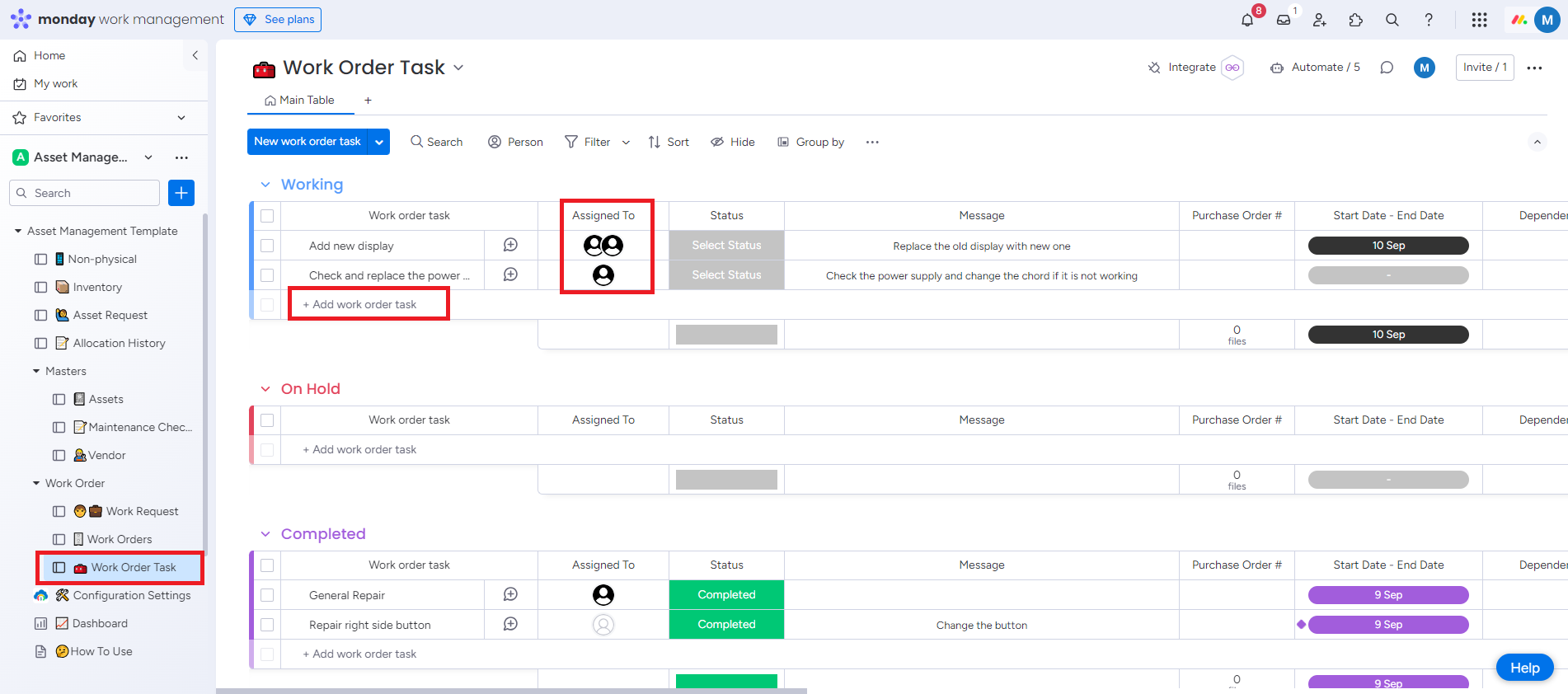
Go to Work Order Task board. Click on Add work order task. Assign the task to responsible member.
-
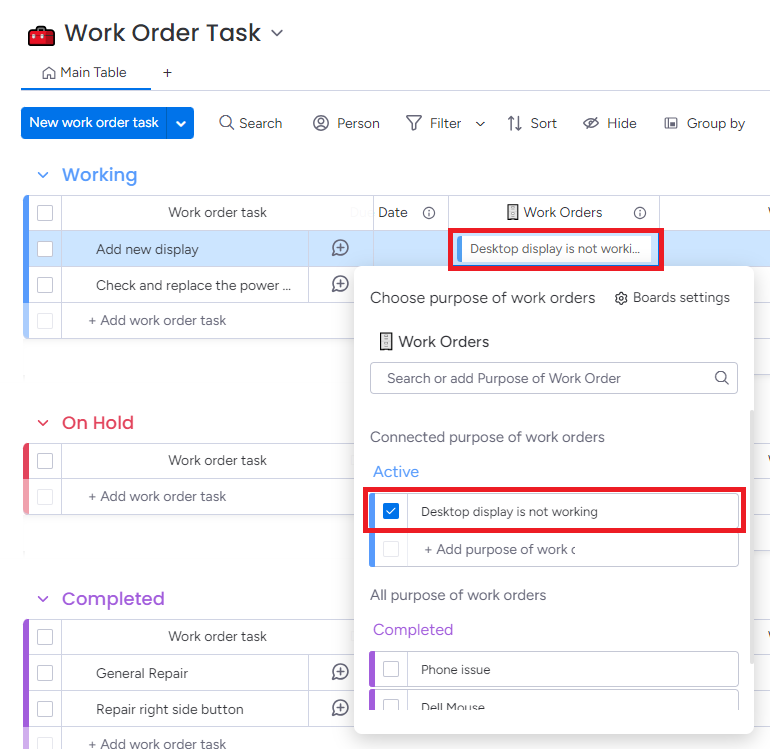
Go to Work Order column. Click on the checkbox to link the Work Order Task to the main Work Order.
Step 7: After completing the task, the assigned team must upload both Before work and After work images, then update the status to Completed to finish the Work Order.
After completing the sub items and work order tasks, the Work Order status is changed to completed automatically and you can review the job in Completed Work Order board.