

The Integration Center contains a bulk import feature. This feature is used to import the existing work items from the Azure Devops platform to monday boards.
Add ADO Integration Center
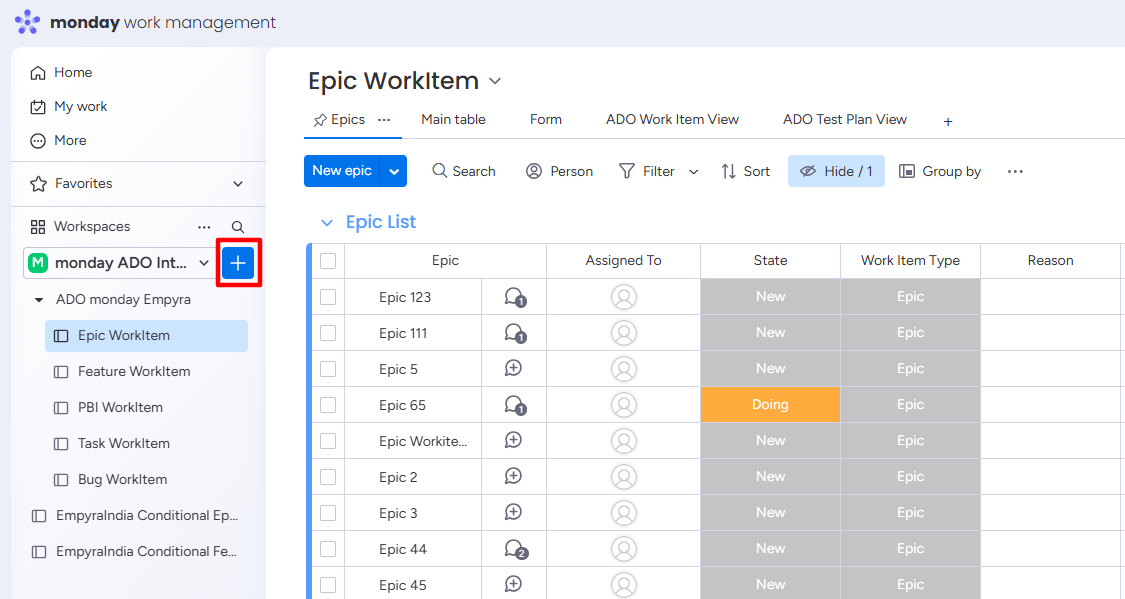
Step 1: Click on the Add item to workspace button.
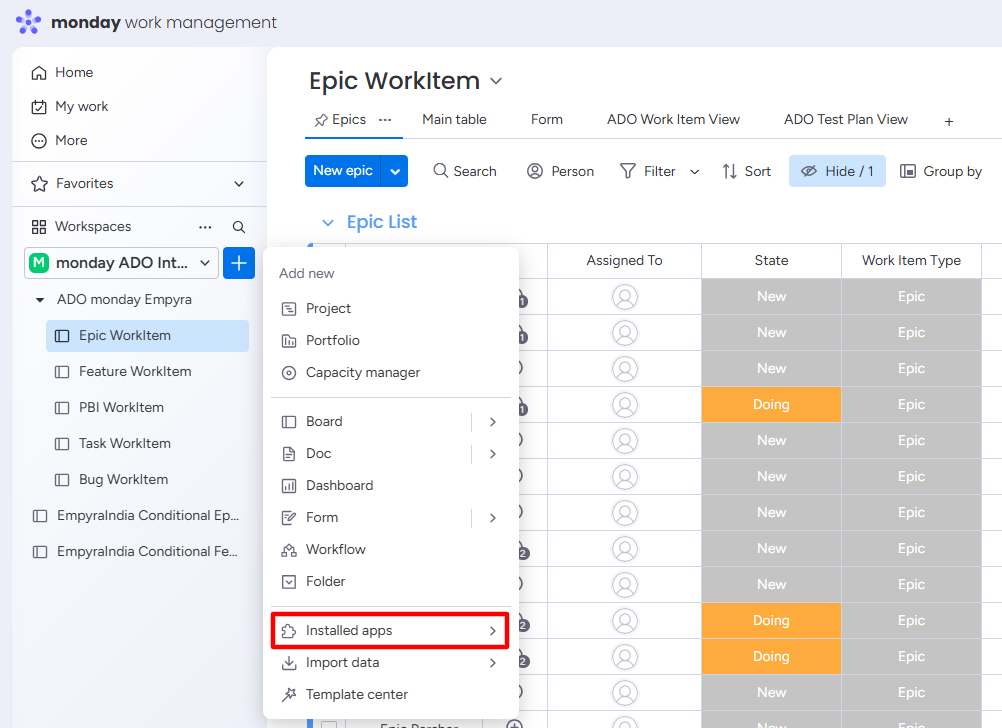
Step 2: Click on the Installed apps option.
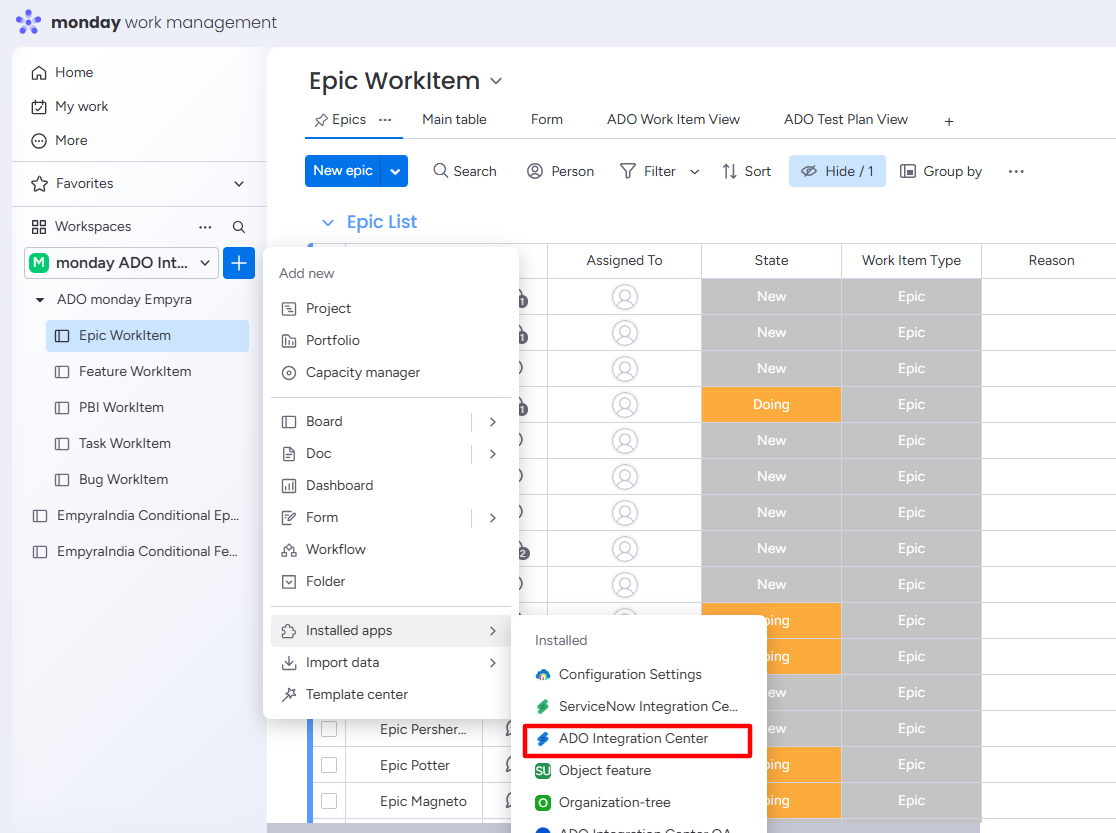
Step 3: Select the ADO Integration Center from the installed list.
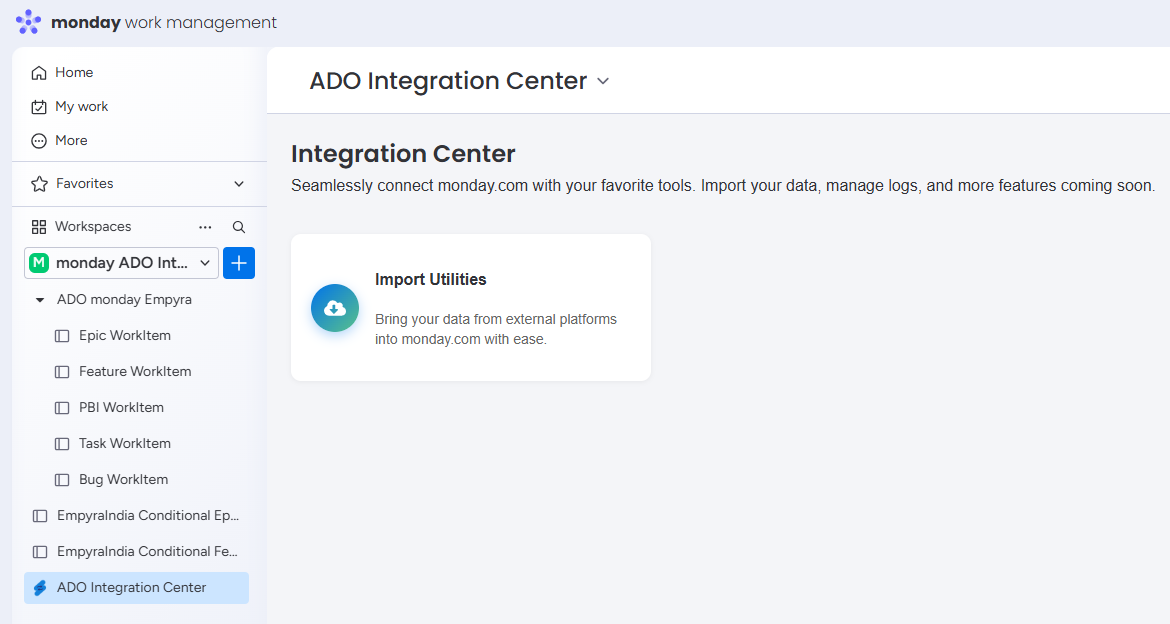
Step 4: The ADO Integration Center feature is added to your workspace.
Import ADO Work Items in Bulk
Export the work items from the Azure DevOps platform to a CSV file. Then. start the import process on the ADO Integration Center.
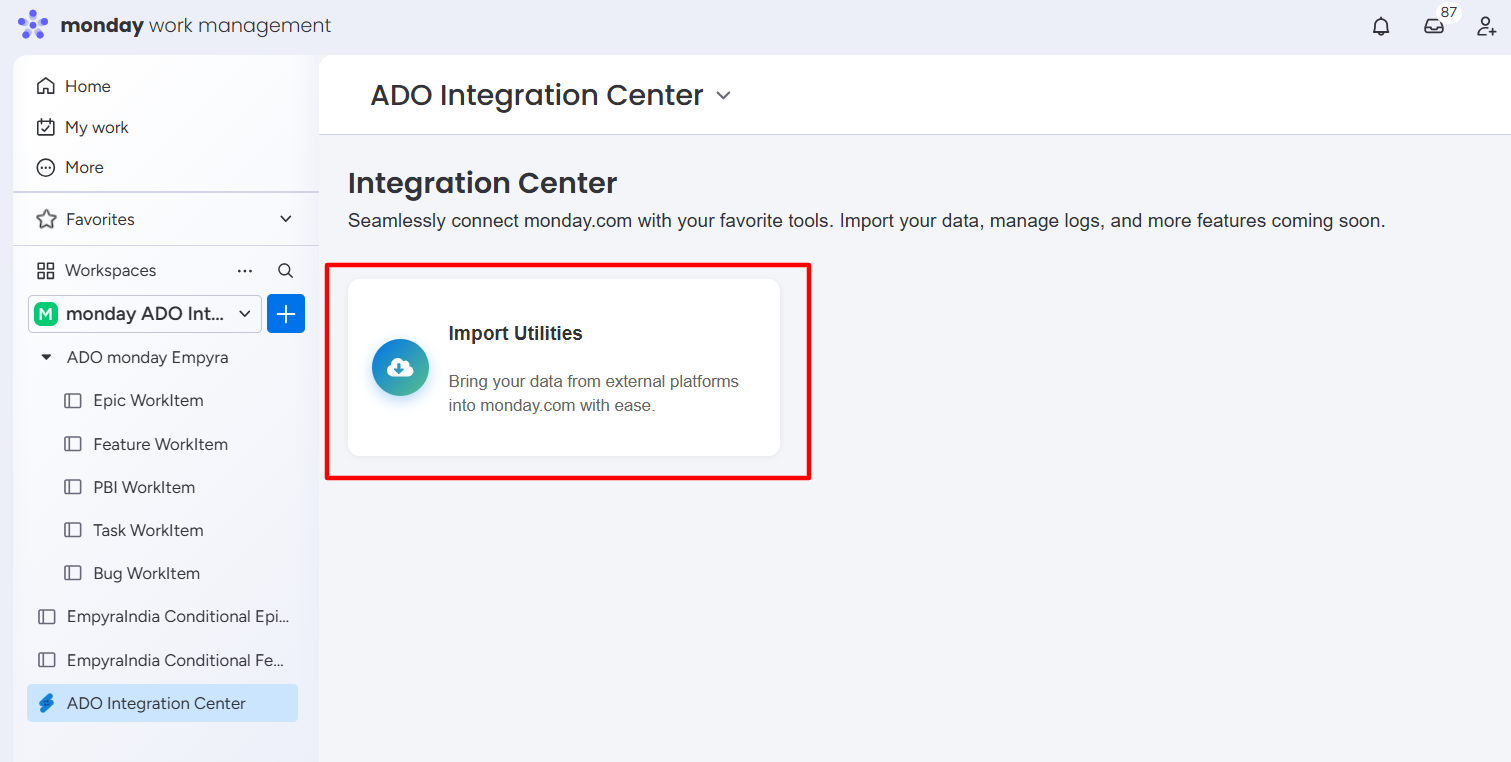
Step 1: Click on Import Utilities.
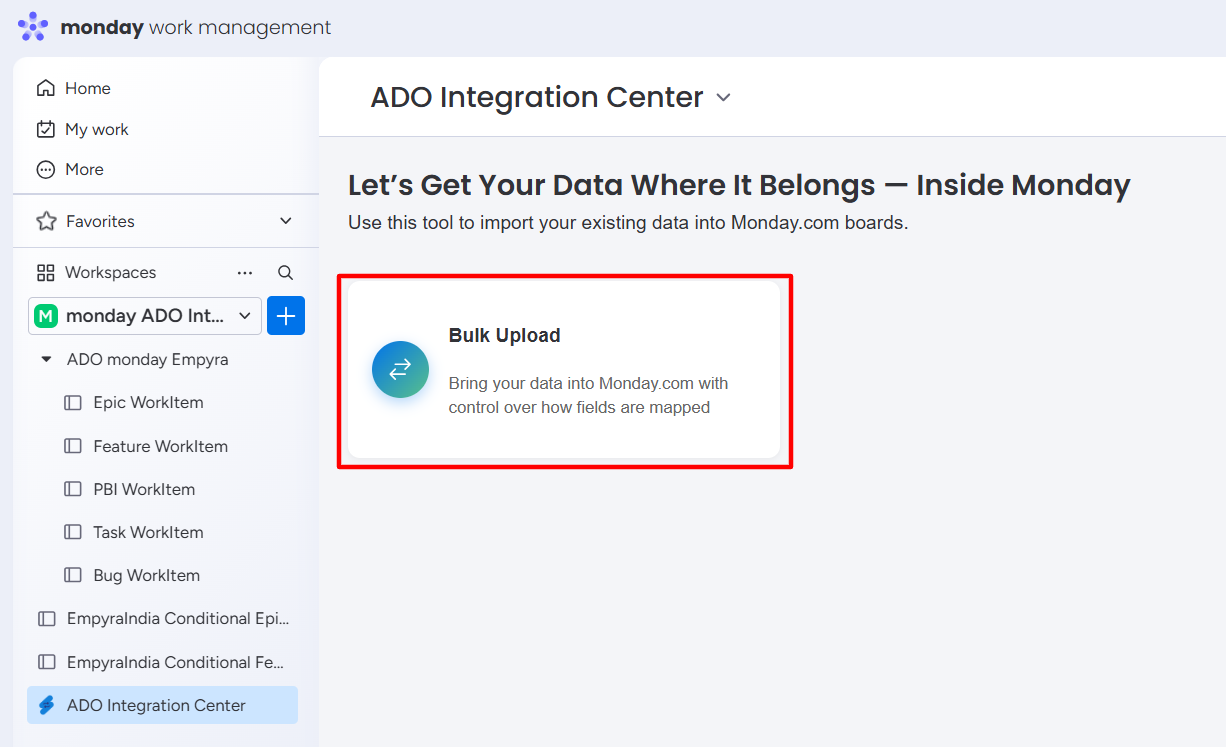
Step 2: Click on the Bulk Upload option.
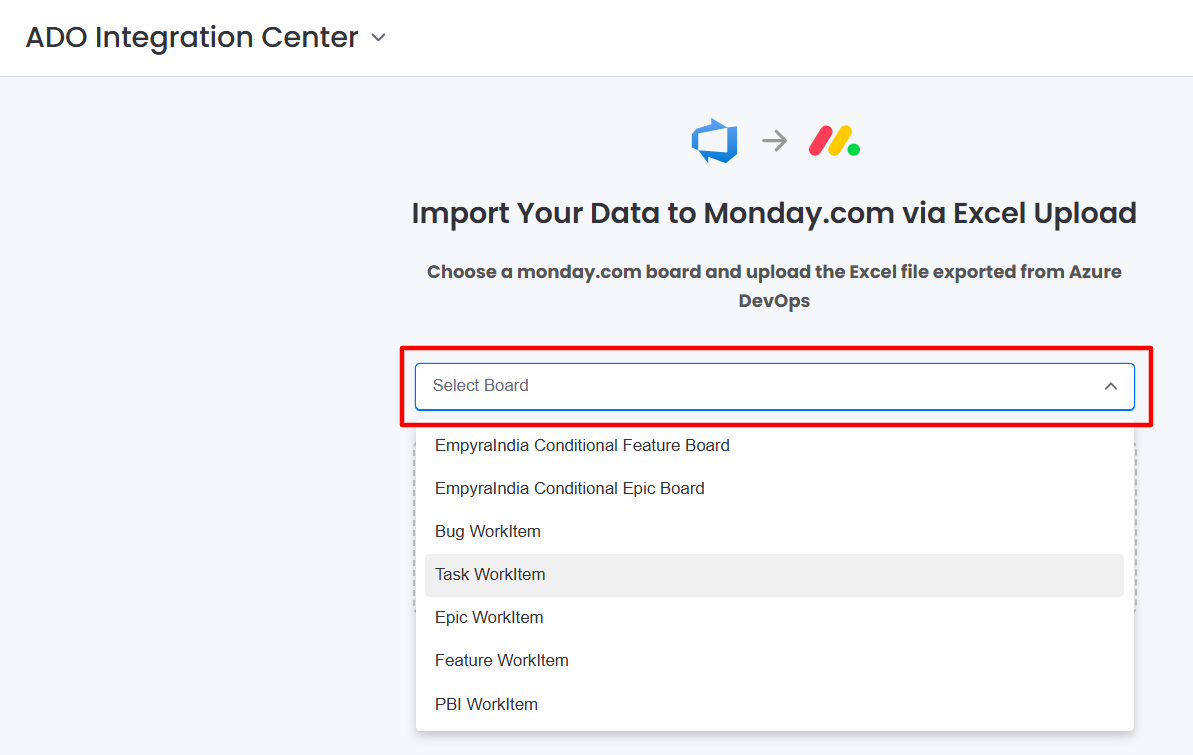
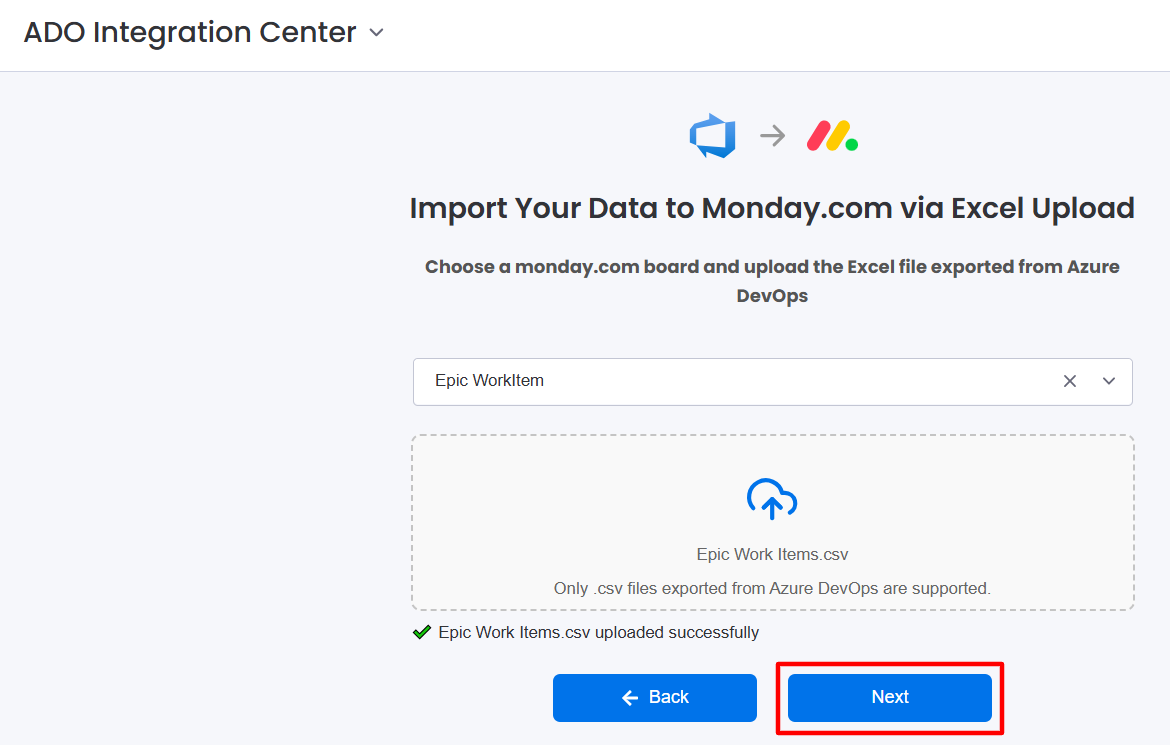
Step 3: Select the Board from the dropdown to import work items.
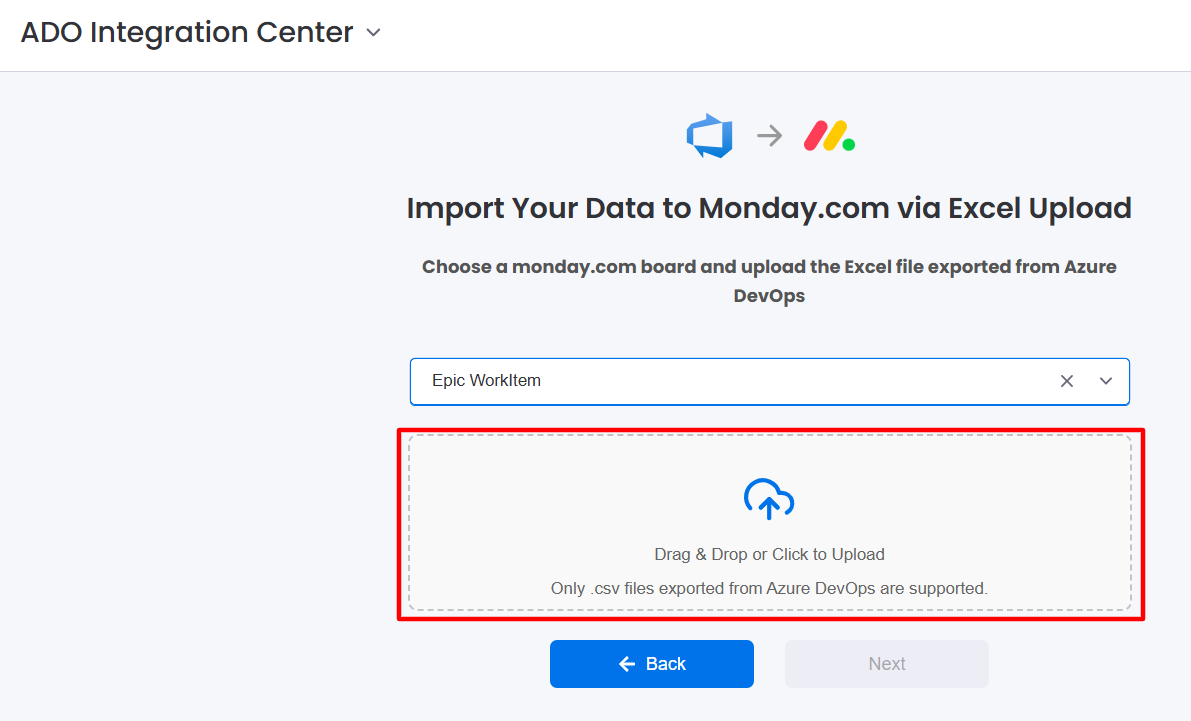
Step 4: Upload the CSV file.
-
Drag and drop the CSV file directly into the upload box.
or -
Click inside the box to browse and select the CSV file from your computer.
Step 5: Click on the Next button after uploading the CSV file.
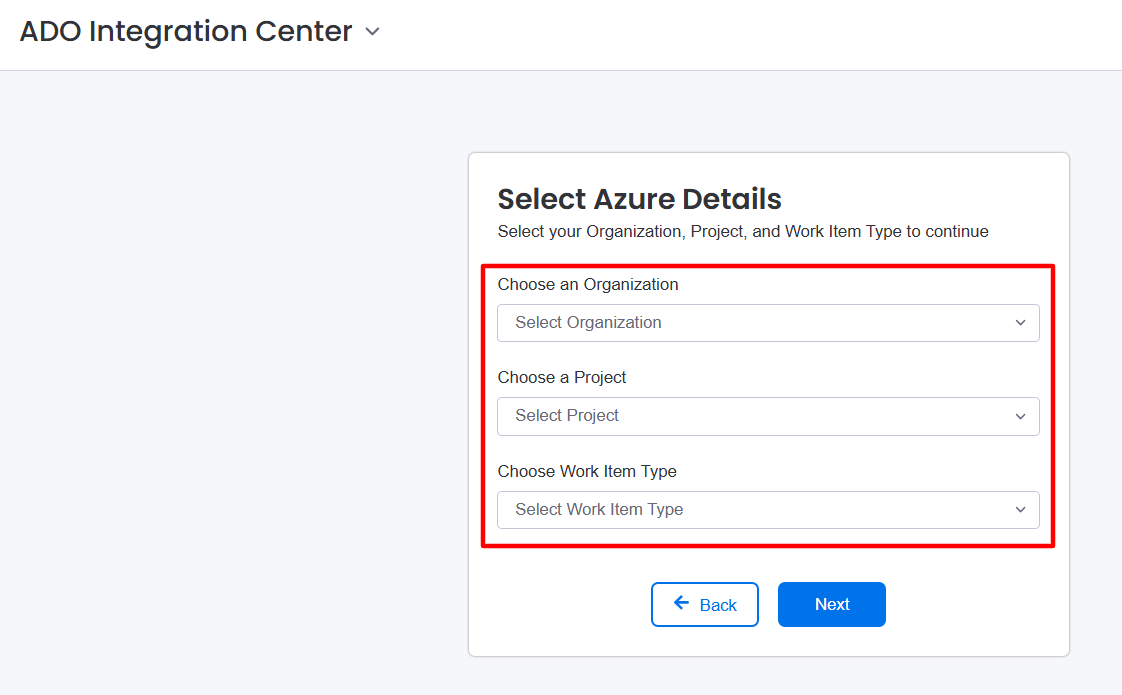
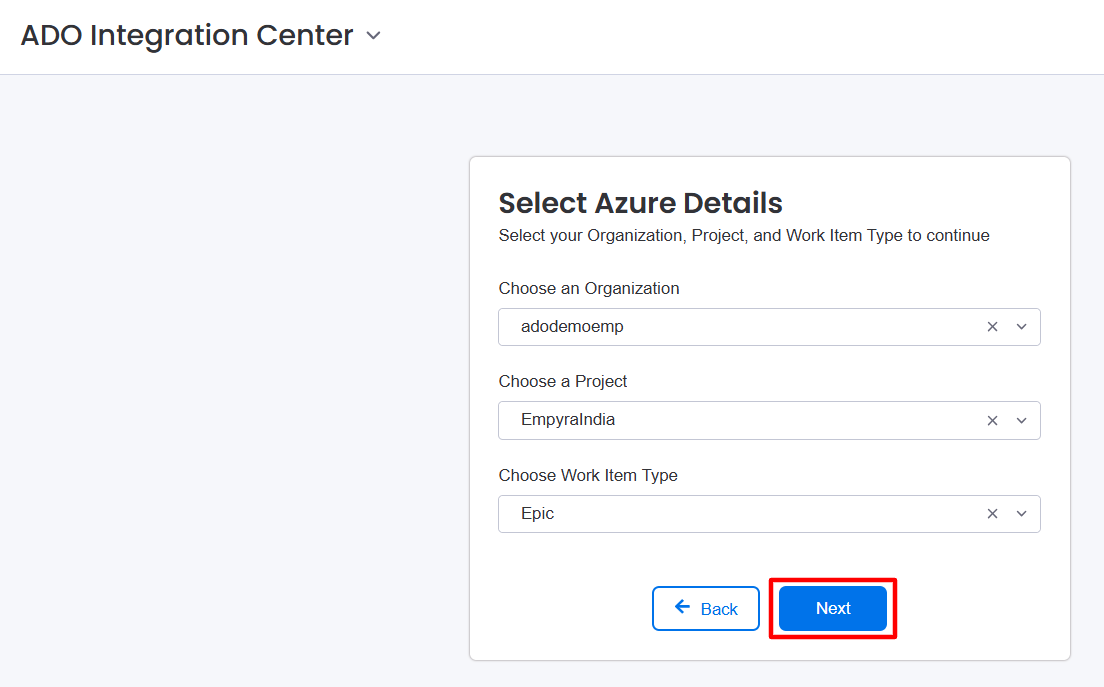
Step 6: Select the Organization, Project, and Work Item Type from the dropdown.
Step 7: Click on the Next button.
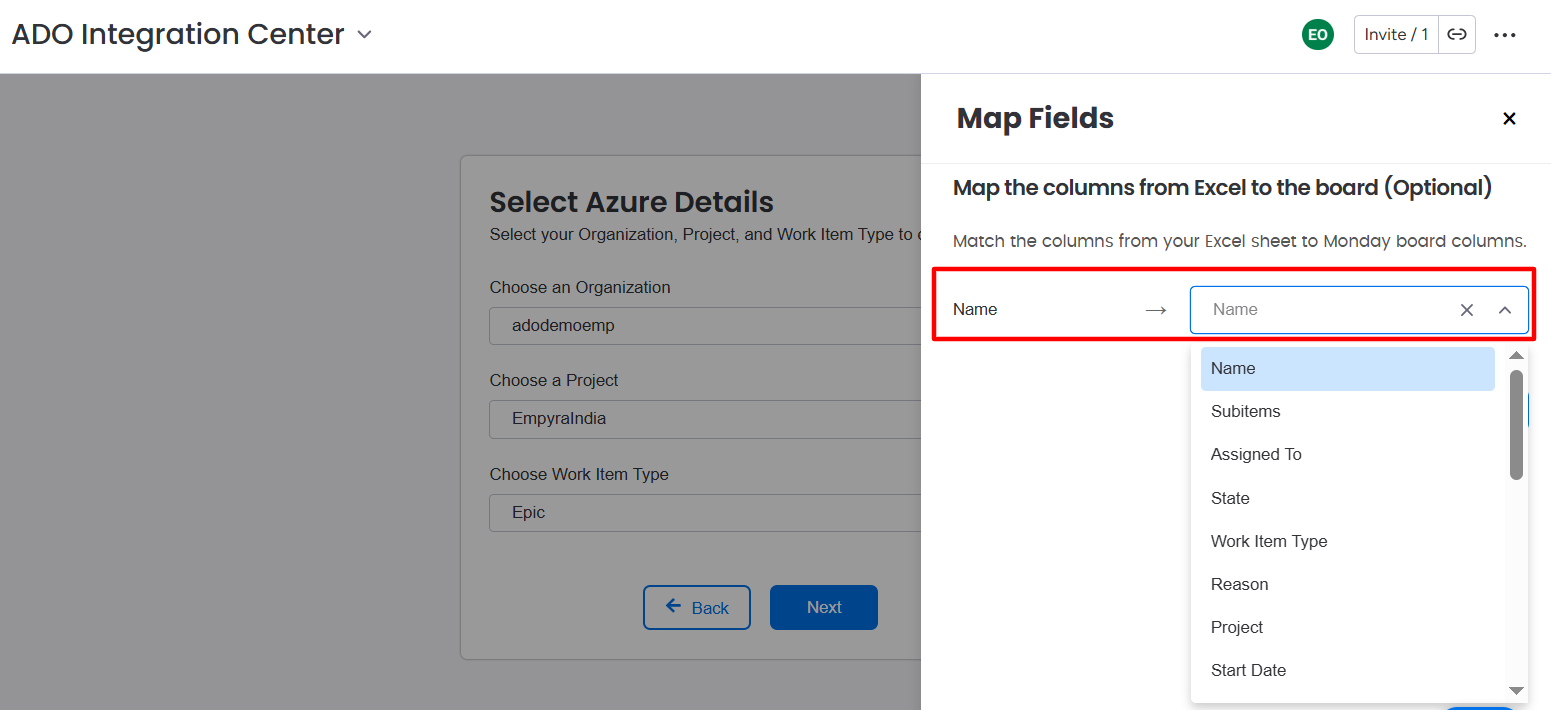
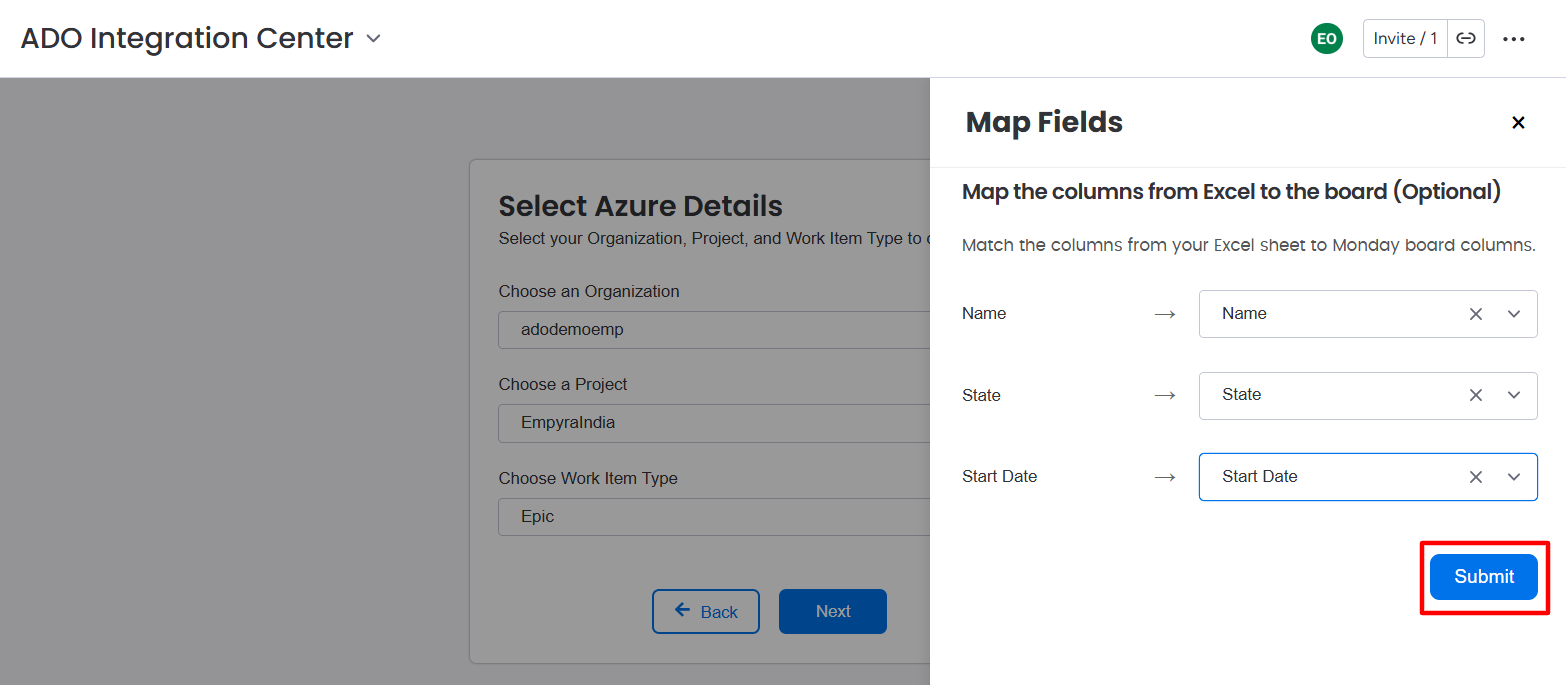
The mapping window will appear.
Step 8: Map the required CSV file columns to the board columns.
Step 9: Click on the Submit button.
A success message appears, and work items are imported to the selected board.