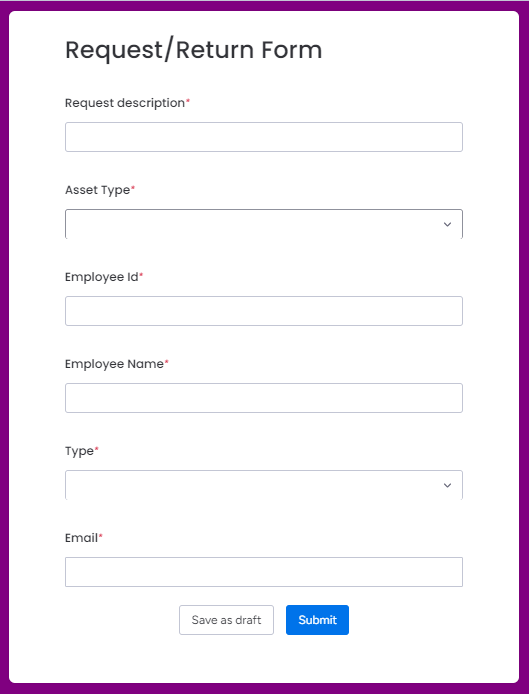
The Asset Request feature allows users to efficiently manage and track asset allocation and return requests made by employees. This feature provides a comprehensive view of all requests, enabling users to oversee the process from submission to approval or rejection. Additionally, it includes a customizable Request/Return Form that employees can fill out with all necessary details based on the specific requirement.
This setup ensures that users have complete control and visibility over the asset request and return process, streamlining management and decision-making.
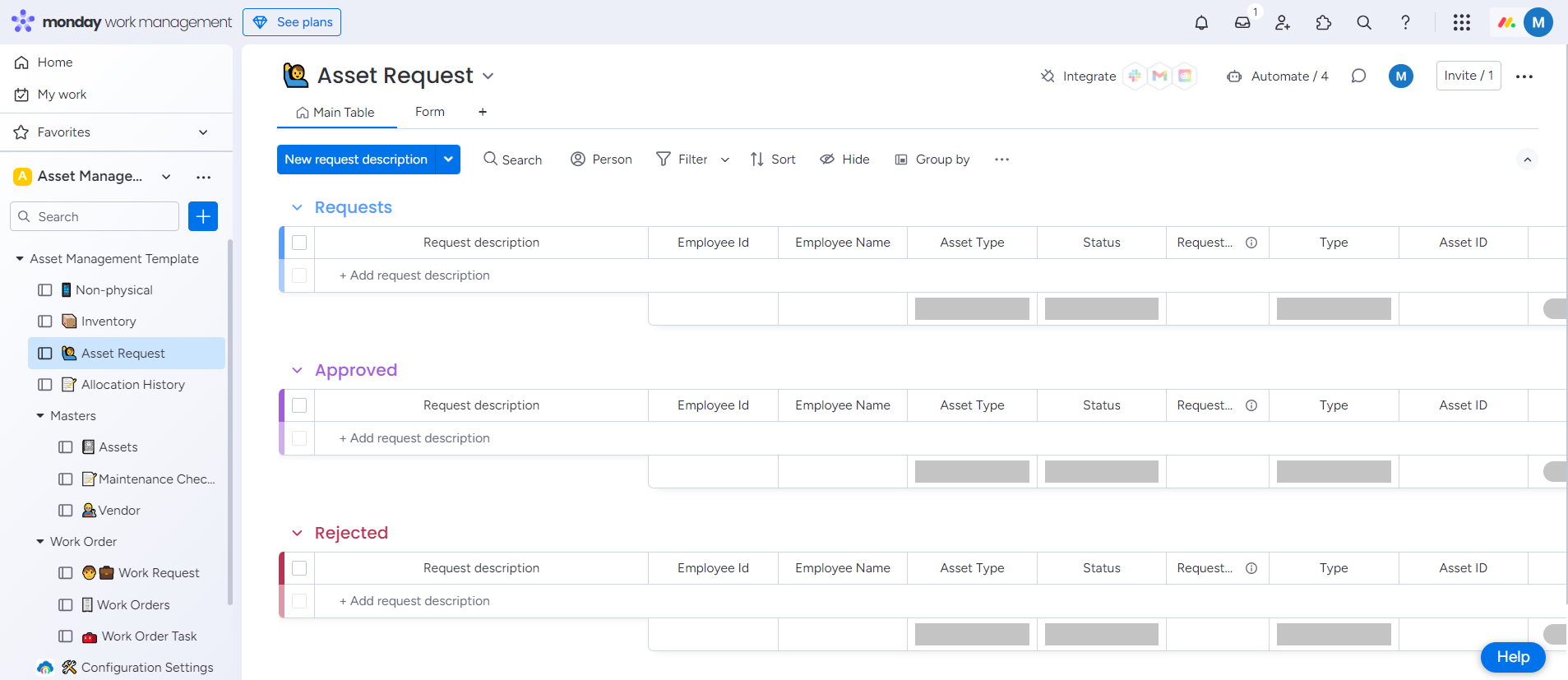
This feature includes three dedicated boards:
Requests
View all asset requests submitted by employees, either through the Form or QR code. Users can verify employee and asset details, and approve or reject requests based on organizational needs.
Approved
Monitor all approved requests, including the approval date, along with detailed information about the asset and the employee.
Rejected
Track all rejected requests, along with the rejection date, and detailed information about the asset and the employee involved.
Request/Return Form
A simple form that can be filled out by employees or admins, capturing all required information for either requesting or returning an asset.