

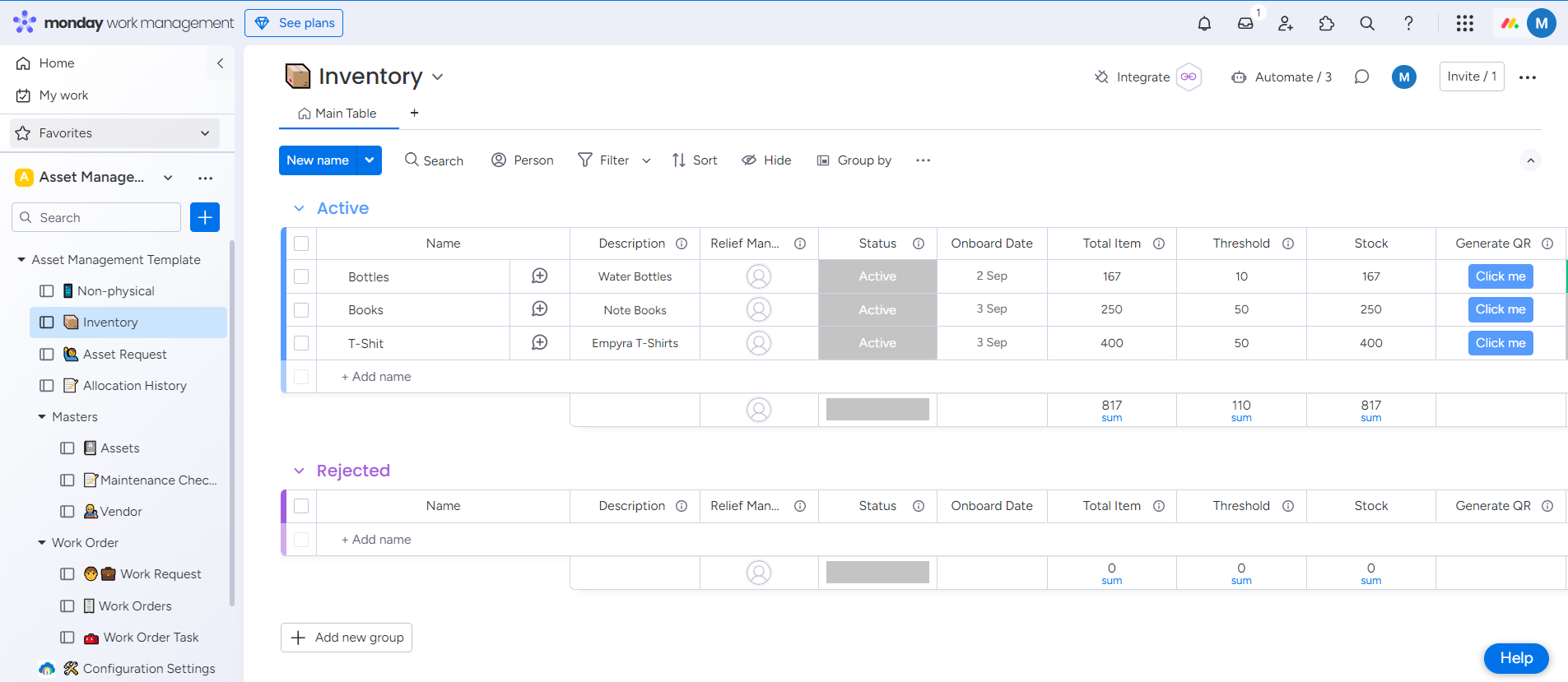
The Inventory feature enables users to efficiently track, manage, and organize their organization's inventories.
This feature includes two dedicated boards:
Active
Centralize the management of your organization's inventories on this board. Add and review inventories, set threshold counts to receive notifications before items go out of stock, and generate QR codes for easy tracking and identification.
Rejected
Monitor and review details of rejected inventory assets on this board. It helps you keep track of items that have been rejected, ensuring that inventory records are accurate and up-to-date.
Import Inventories From Excel File
Generate QR Code for Inventories